Go ahead, search our blogs!

Getting Your Smart Home Ready for Holiday Guests

Living room at dusk with lamps lit, a sectional sofa and lowered Lutron shades over large windows

Every December we get the same calls. Family is arriving Friday and the TV in the basement won't find the cable box. The speakers in the kitchen stopped working in the summer and nobody noticed. The Wi-Fi password is on a sticky note that's gone.

None of it is hard to fix. It's just a bad week to find out. Here's what we'd check now, while there's still time.

Start with the Wi-Fi

Guests show up with phones, tablets, laptops and a kid's game console. Every one of them asks for the Wi-Fi password.

Set up a guest network if you don't have one. It keeps visitors off the network your cameras, locks and control system live on. On a UniFi system that's a few minutes of work, and we can usually do it remotely. Pick a password you don't mind saying out loud.

If some rooms have always been weak, the holidays will show it. Twelve people streaming at once is a real test. Our Wi-Fi and networking page covers how we fix coverage properly instead of adding another plug-in extender.
Continue reading

Remote Monitoring for Your Smart Home: What We Fix Without a Service Call

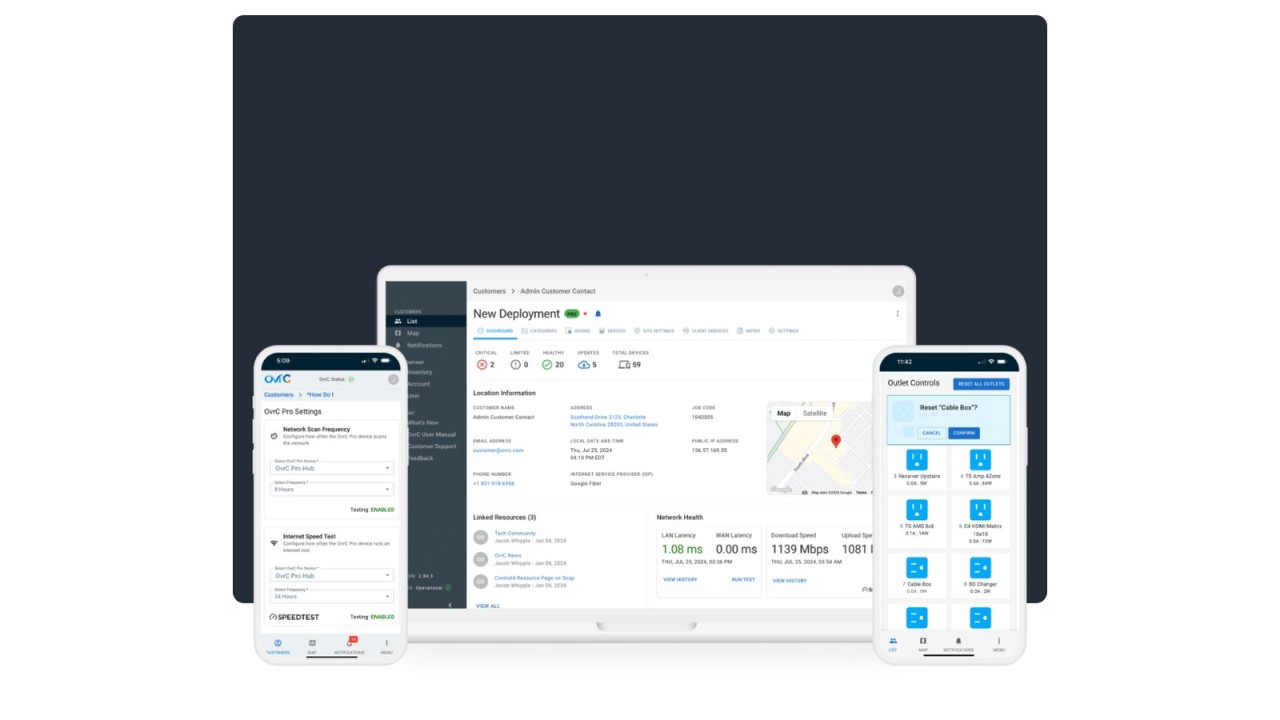
OvrC remote management dashboard on a laptop with the OvrC app on two phones showing device health, network speed and outlet controls

Most smart home problems are small. A streaming box freezes. The Wi-Fi drops after a power flicker. A camera stops recording. None of that should need a technician in your driveway.

That is what remote monitoring is for. Here is what we can see from our end, what we can fix from there, and what still needs a visit.

What remote monitoring actually means

When we install a system, the network gear and many of the devices on it can report back to us over the internet. If something goes offline, we get an alert. If a firmware update comes out, we see it. If a device needs a restart, we can often do it from here.

We use two main tools for this. OvrC is a remote management platform from Snap One, the company behind Control4. It lets our team manage, configure and troubleshoot devices on your network. On UniFi networks, the switches, access points and cameras are managed centrally in UniFi, so we can keep them updated and help remotely when needed.

You don't see any of this day to day. It runs in the background.

Continue reading

Whole-Home Audio in Ottawa: How We Plan Music Room by Room

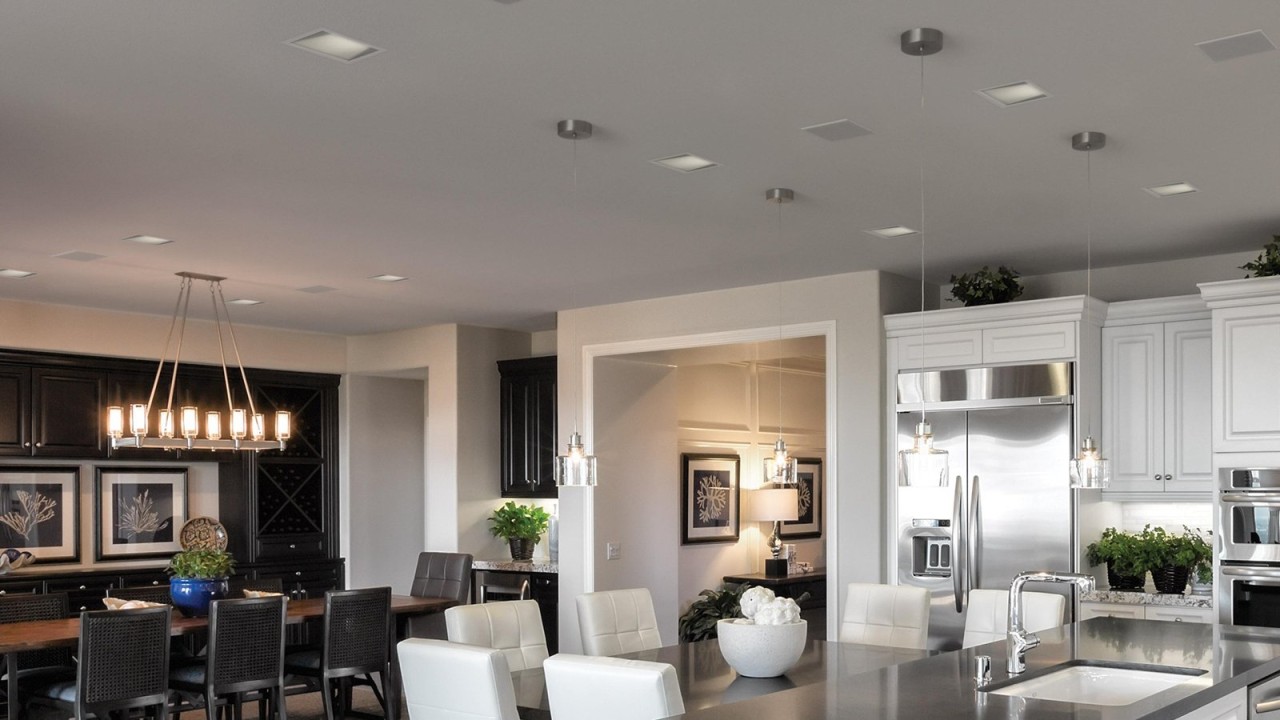
Open kitchen and dining room with flush square in-ceiling speakers between the pot lights

Most people walk into the showroom asking which speakers to buy. The speakers are the easy part. The planning is what decides if a whole-home audio system gets used every day or sits there with a dusty app on someone's phone.

Here is how we walk through it with homeowners.

Start with the rooms you actually use

Don't put speakers everywhere just because you can. Think about a normal week. Where is music on? For a lot of families it's the kitchen and the main living area. Then the deck in summer. Sometimes the primary bathroom, or the gym in the basement.

Each of those becomes a zone. A zone is an area that plays one source at one volume. If the kitchen and dining room are open to each other, they can share a zone. A bedroom should be on its own, so nobody wakes up to somebody else's playlist.

Write that list down before anything else. It drives the speaker count, the wiring and the amplifier choice.

Continue reading

Home Wi-Fi in Ottawa: Why We Start With the Network

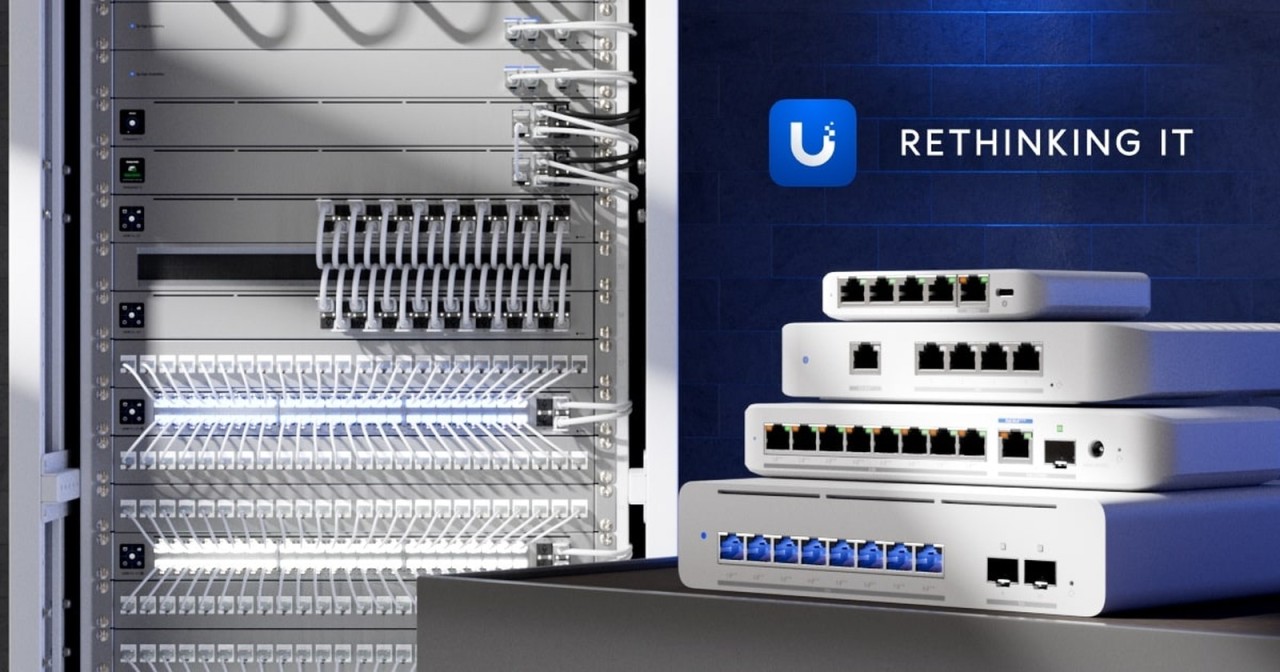
UniFi network equipment in a home rack

Your smart home is only as good as the network under it.

Control4, Lutron, Sonos, cameras, the TV in the basement. All of it talks over your network. When the Wi-Fi is weak, the music cuts out, the app spins and the doorbell camera loads late. People blame the gear. Most of the time the gear is fine.

So when a Control4 or Sonos system acts up, the network is one of the first things we check.

The box from your internet provider is not enough

The router your provider drops off does its job in a small place. In a big house with two floors, a finished basement and a garage, it usually can't reach everywhere. Add a few dozen connected devices and it starts to struggle.

Moving it to the middle of the house helps a little. Buying a few plug-in extenders off the shelf often makes things worse.

Continue reading

Categories