One Remote for Everything: Making Your TV and Music Easy for the Whole Family

Count the remotes on your coffee table. TV, cable box, receiver, soundbar, maybe a streaming stick and a projector. Now picture your mother-in-law or the babysitter trying to watch the news.
That's one of the most common calls we get. The gear is good. Using it is the problem.
Why so many remotes get confusing
Each box wants its own remote and its own input. To watch a game you turn on the TV, turn on the receiver, pick the right HDMI input on both, then grab the cable remote. Miss one step and you get a black screen or no sound. Most people end up calling the one person in the house who knows the order.
Universal remotes from the store try to fix this. Some work fine for a while. They tend to fall apart when a box updates, an input changes or something gets out of sync.
How a proper control system handles it
With a Control4 system, the remote shows activities, not devices. You press Watch, then pick Cable, Apple TV or Netflix. The system turns on the right equipment, sets the inputs and the volume, and the remote changes to show the buttons for that source. Press Off and everything in that room shuts down.
Nobody needs to know which box is on HDMI 3. That's our job when we program it.
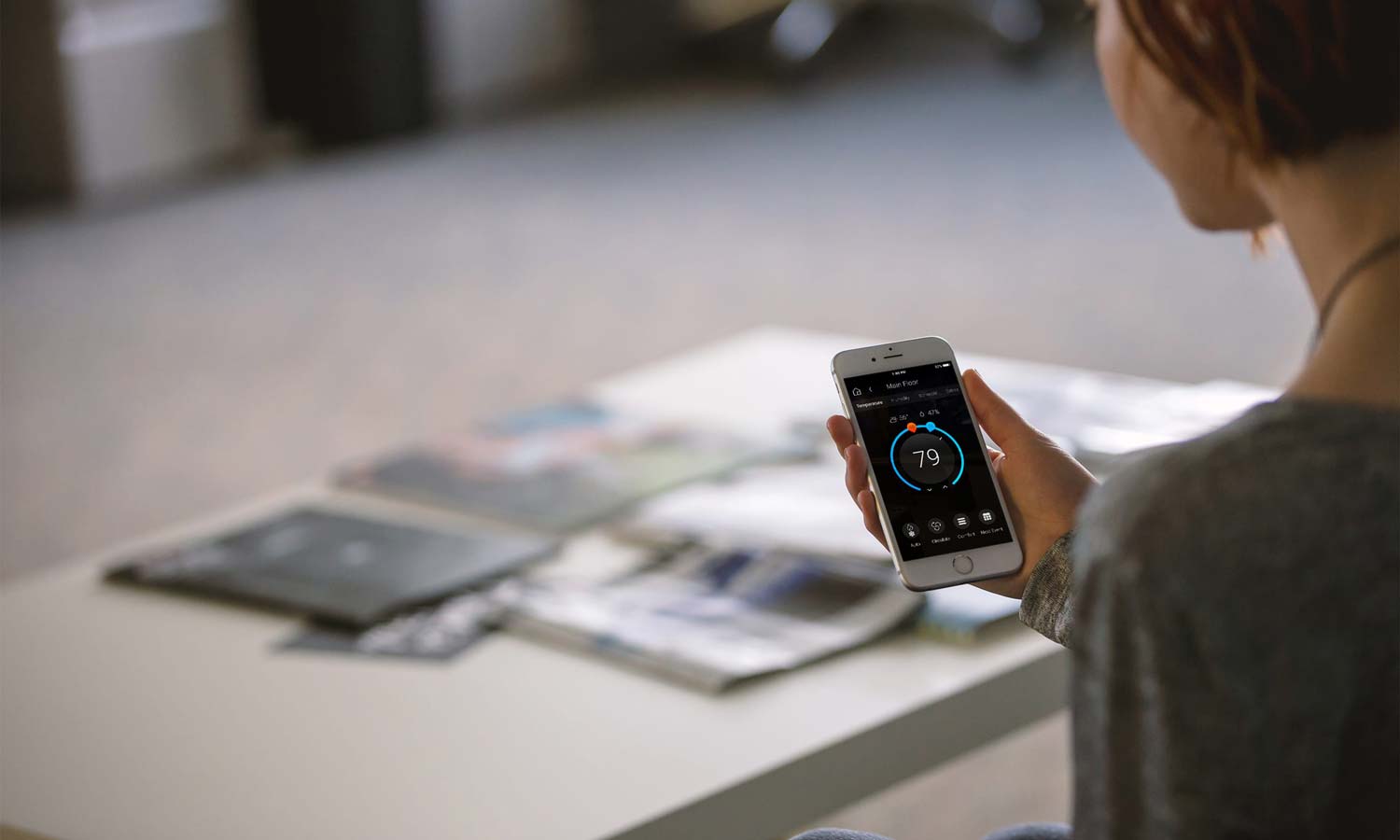
The same remote can run more than the TV. Lights in the room, shades, music and the thermostat can sit on the same screen. If you have Control4 keypads or the app on your phone, they all do the same thing, so it doesn't matter which one you grab.
Hide the equipment
Because a Control4 remote talks to the system over the network or radio, it doesn't have to point at the gear. That means the cable box, receiver and streaming boxes can go in a closet, the basement or a small rack. You get a clean wall with just the TV. Our audio video page shows how we lay that out.
If you're building or renovating, plan the equipment location early. It needs network, power and a way to run HDMI or video over network cable to each TV. Ventilation matters too. Gear packed in a closed cabinet runs hot.
Music and the TV on the same remote
Most of our clients have music in more than one room. With the system tied together, you press Listen, pick a room or a group of rooms and choose your music. If the TV room has a Sonos soundbar or a full surround system, the system can switch it between TV sound and music. Our whole-home audio post goes room by room.
What about the home theatre?
A dedicated theatre has more going on. Projector, screen, receiver or processor, sometimes lights and shades. One press of Watch can dim the lights, lower the screen and start the movie source. Pause and the lights come up a bit so you can grab a drink. See our home theater page for how we put those rooms together.
It only works if the network is solid
A lot of today's gear is controlled over the network. If the Wi-Fi drops, the remote feels slow or a box stops responding. We wire the main equipment and put in proper access points, usually UniFi. Our Wi-Fi and networking page covers it.
A few tips from installs
Keep the main screen short. Four or five activities per room is plenty. If grandma needs to scroll, there are too many.
Name things the way your family talks. "Hockey" or "Kids' Netflix" works better than a model number.
Keep the charging base where the remote lives. A dead remote is the top complaint we hear.
Ask about remote support. With monitoring we can often fix a frozen box or a lost input without a visit. Our remote monitoring post explains how.
Tired of the remote pile?
If you want one remote that the whole family can use, call us at (613) 830-6787 or use our contact page. We can look at what you have now and tell you what it takes to tie it together. We're in Orléans and work across Ottawa.
Frequently Asked Questions
Can one remote control my TV, cable box, receiver and streaming box?
Yes. A Control4 system controls each device and groups them into activities like Watch Cable or Watch Apple TV. One press turns on the right gear and sets the inputs.
Do I need to replace my TV and equipment to get a single remote?
Usually not. Most current TVs, receivers, cable boxes and streaming players can be controlled. We check your models first and tell you if anything needs to change.
Can the equipment go in a closet or the basement?
Yes. The remote doesn't need line of sight, so the gear can sit in a closet, cabinet or rack. It needs power, a network connection, video cabling to the TV and some ventilation.
Can the same remote run lights, shades and music?
Yes. With Control4, the remote, keypads and phone app can all control lighting, shades, music and climate, as well as the TV.
Is a store-bought universal remote good enough?
For a simple setup with a TV and one or two boxes it can be. With more gear, multiple rooms or hidden equipment, a programmed control system is more reliable and easier for everyone to use.
