Getting Your Smart Home Ready for Holiday Guests

Every December we get the same calls. Family is arriving Friday and the TV in the basement won't find the cable box. The speakers in the kitchen stopped working in the summer and nobody noticed. The Wi-Fi password is on a sticky note that's gone.
None of it is hard to fix. It's just a bad week to find out. Here's what we'd check now, while there's still time.
Start with the Wi-Fi
Guests show up with phones, tablets, laptops and a kid's game console. Every one of them asks for the Wi-Fi password.
Set up a guest network if you don't have one. It keeps visitors off the network your cameras, locks and control system live on. On a UniFi system that's a few minutes of work, and we can usually do it remotely. Pick a password you don't mind saying out loud.
If some rooms have always been weak, the holidays will show it. Twelve people streaming at once is a real test. Our Wi-Fi and networking page covers how we fix coverage properly instead of adding another plug-in extender.
Walk through every TV
Turn on each TV with the remote your guests will use. Not your phone. The actual remote.
Check that every source works: cable or satellite, Apple TV, the game console. Open the streaming apps and sign in again if they've logged out. Run any pending updates now. A TV that decides to install firmware during the hockey game is a classic.
If the basement or guest room setup needs three remotes and a set of instructions, write the steps down and leave them by the TV. Or call us. A single remote or a Control4 remote that runs the whole room is a common fix.
Make the music easy
Background music does a lot at a party. Test each speaker zone before the day. If something stopped working, it's often a network issue, not a dead speaker. We wrote about why Sonos drops out on weak networks.
Group the rooms you want playing together, like the kitchen, dining room and living room, and save it. Keep the volume low enough that people can talk. If you're thinking about adding zones, here's how we plan whole-home audio room by room.
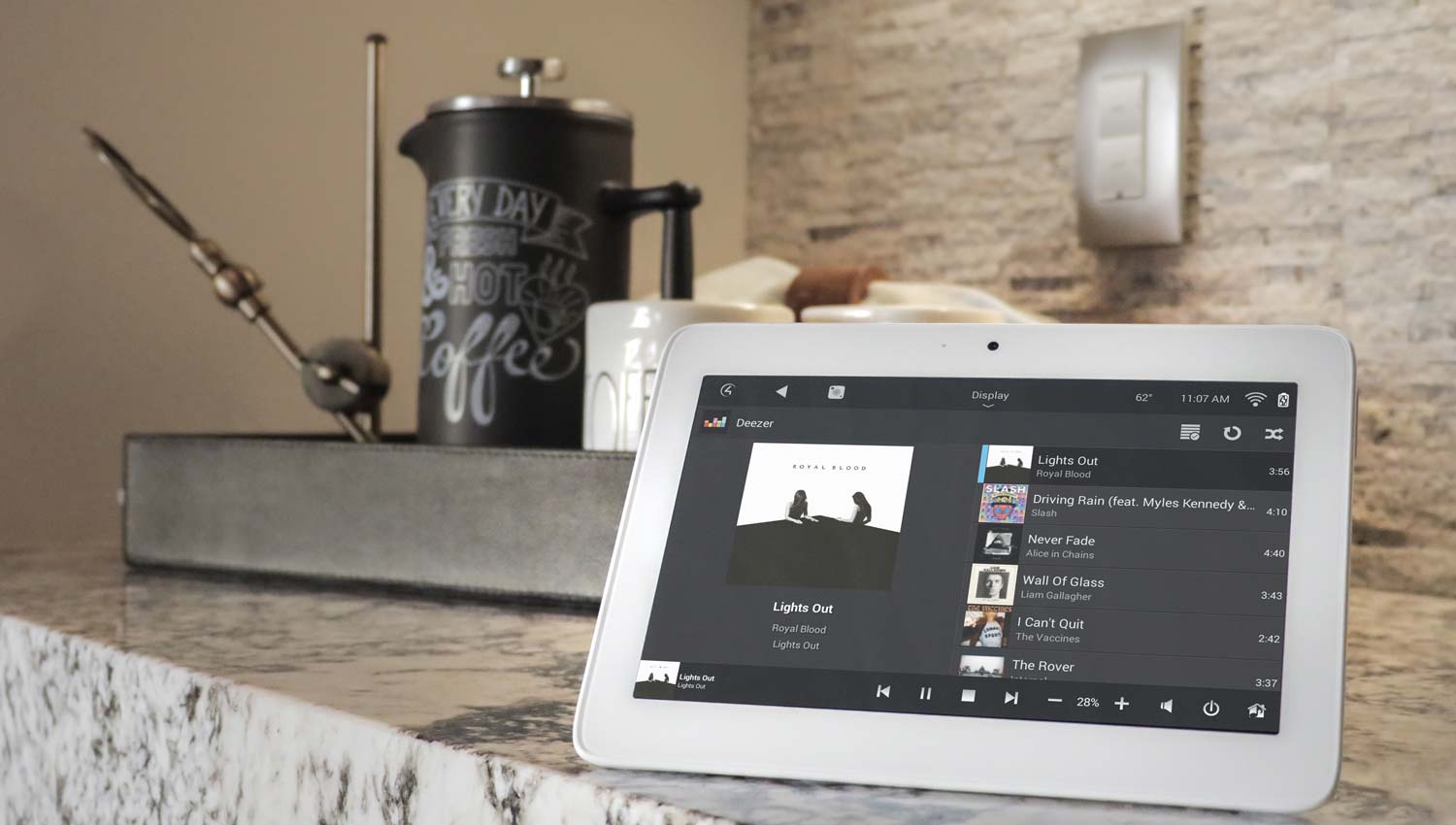
Set a scene for the evening
With Lutron lighting control, one button can set the whole main floor for dinner. Kitchen lights at full for cooking, dining room warm and lower, living room lamps on, shades down. We build these as scenes so nobody is hunting for switches.
If you already have scenes, check that they still match how you use the rooms. A new dining table or a moved sofa can make an old scene feel wrong. Small changes like that are quick to reprogram. Our post on how scenes work has more detail.
Outside, make sure the driveway and walkway lights come on at dusk, not at a fixed time you set in July. Ottawa gets dark before 4:30 in December. Guests carrying dishes on an icy path need to see.
Overnight guests
A few small things make a stay easier for everyone.
Door codes. Most smart locks let you add a temporary code. Give one to your guests and delete it after they leave.
Guest room controls. Make sure the thermostat, lights and TV in that room work without the app. Not everyone wants to download something to turn off a lamp.
Cameras. If you get motion alerts on your phone, expect a lot more of them with a full house. You may want to change the alert settings for the week.
Going away instead?
If you're the one travelling, check the cameras and the remote app work from outside the house before you leave. Have someone who can let a technician in if needed. With a service plan, we monitor your system and can fix a lot of problems remotely. Here's what remote monitoring can and can't fix.
Our pre-winter checklist covers the power outage side of things.
Book early
December fills up. If anything on this list isn't working, call us at (613) 830-6787 or send us a note now rather than the week before. You can also come by the showroom at 1344 Youville Dr in Orléans to see smart home control, lighting and audio running together.
Frequently Asked Questions
Should I set up a guest Wi-Fi network for the holidays?
Yes. A guest network gives visitors internet access while keeping them off the network your cameras, locks and control system use. On most professional systems, including UniFi, it can be set up quickly and often remotely.
Why does my Sonos or whole-home audio cut out when the house is full?
Usually it's the network. More devices streaming at once puts more load on the Wi-Fi. Wiring key speakers or players and improving Wi-Fi coverage usually fixes it.
Can you change my lighting scenes before the holidays?
Yes. Adjusting existing Lutron or Control4 scenes is quick work. Call early in December so it's done before your guests arrive.
How do I give guests access without sharing my main door code?
Most smart locks let you create a temporary user code. Give that to your guests and remove it after they leave.
Can you fix my system remotely if something breaks while I'm away?
Often, yes, if your system is set up for remote monitoring and the internet connection is still up. Reboots, Wi-Fi settings and firmware updates can usually be handled remotely. Hardware failures still need a visit.
How far ahead should I book a service call for December?
As early as you can. December is busy, so calling in November gives us time to fix things before the holidays.
